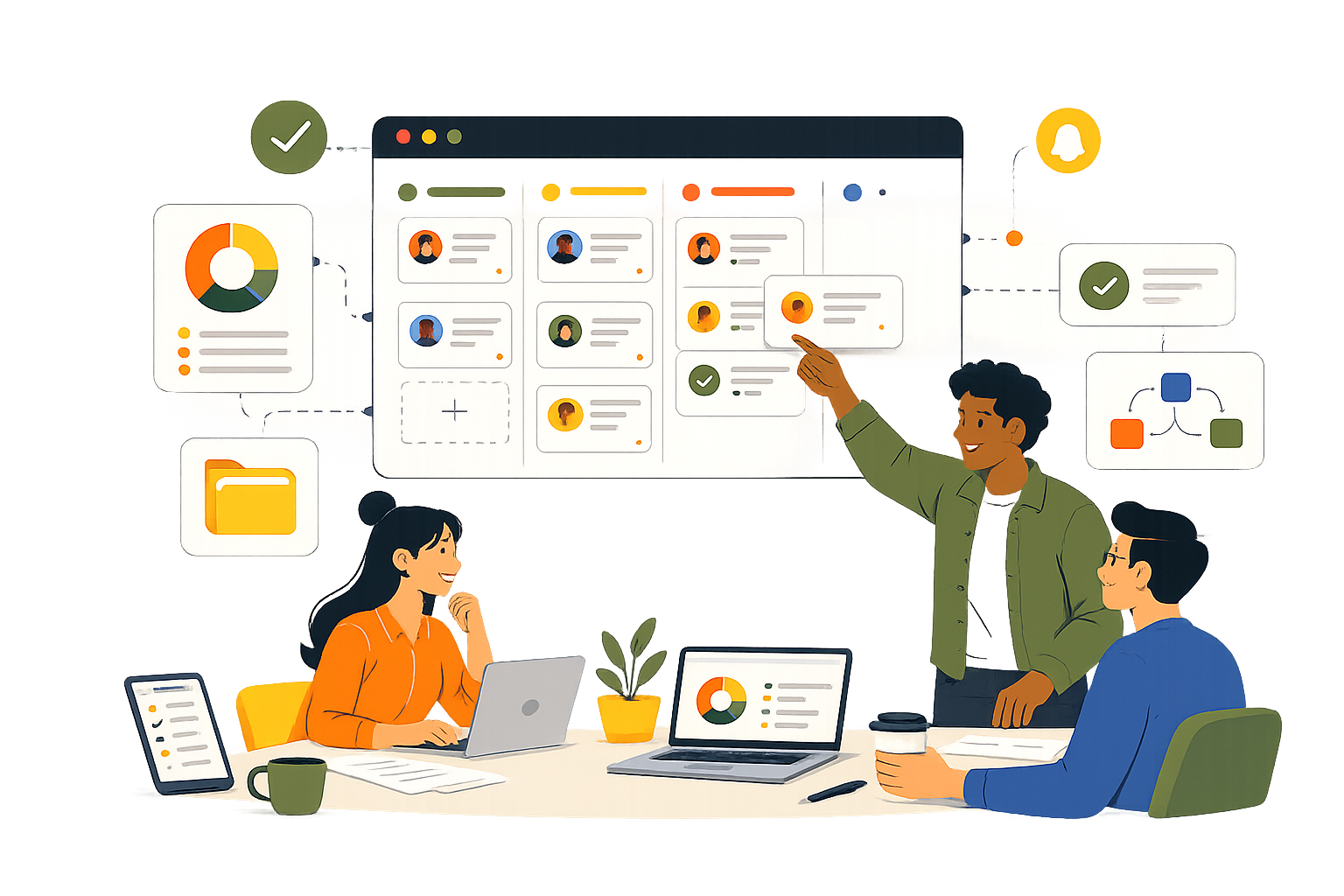
Digital project management is the discipline of planning, executing, and delivering project work through a connected digital system, where every task, hour, and decision is captured in one place and visible in real time. For service businesses, the modern version goes further: the same system shows whether the work is profitable while it’s still happening.
| TL;DR Digital project management runs project work end to end inside a connected digital system. The 2026 version of it is structurally different from the 2015 version, especially for service businesses where the project IS the product. This piece covers what’s changed, why service teams need a different tooling lens than internal SaaS teams, and the five questions that should drive your software choice. |
What is digital project management today, and why has the definition shifted?
Digital project management is the practice of running projects through a connected digital system, from intake to delivery, where work, time, communication, and reporting all live in one environment. That is the textbook answer. It is also the answer that has been true since roughly 2010.
What has shifted is what the digital system is expected to do.
In 2015, “digital” meant your Gantt chart was a webpage instead of a printout, your tasks lived in Trello, and your team chatted in Slack instead of an email chain. Three apps stitched together with browser tabs counted as a digital project management stack.
In 2026, that stack is a liability. Service businesses running client work cannot afford a project tool that doesn’t know what the project costs to deliver. They cannot afford a timesheet system that doesn’t connect to a margin view. And they cannot afford an AI assistant that lives in a separate chat window instead of inside the work itself.
The definition has not changed on paper. The expectation underneath it has changed completely.
| 💡 Pro Tip: When you read a guide that still describes digital project management as “task lists, calendars, and shared documents,” you are reading a guide written for the 2015 problem. The list is not wrong. It is just the floor of what counts now, not the ceiling. |
How is digital project management different for service businesses?
For service businesses, the project IS the product. That single distinction changes what the tooling has to do.
A SaaS company runs internal projects to ship its product. The project is the means. The product is the outcome. If a sprint slips by a week, revenue doesn’t move. The product still exists.
An agency, a consultancy, a dev studio, a marketing team running client work, they sell the project itself. Every project is a billable thing with a contract value attached to it. If a project slips by a week, that’s hours that probably won’t get billed, margin that quietly evaporates, and a client whose perception shifts. The project doesn’t support the revenue. It IS the revenue.
This changes everything about the tooling decision. An internal product team can use a project tool that handles tasks well and figure out the financial side somewhere else. A service business cannot. The connection between work and money has to be live, because the work and the money are the same conversation.
| Is digital project management the same as work management? The two terms have effectively converged. Digital project management has historically focused on time-bounded engagements with defined deliverables. Work management is broader and includes ongoing operational work. Modern platforms cover both, which is why service businesses tend to look for a system that handles project-based client work and ongoing retainers in the same place rather than picking one or the other. |
What separates modern digital project management from the legacy version?
The legacy model and the modern model share the same vocabulary. What sits underneath is different. Here is the side-by-side a service business owner should run when comparing options.
| Capability | Legacy model (≈2015) | Modern model (2026) |
| Where work lives | Tasks in one app, docs in another, files on a shared drive, comms in a chat tool | One workspace where tasks, docs, files, comms, forms, and time tracking sit together per project |
| Financial visibility | Project budget tracked in a spreadsheet, reviewed monthly, lagging | Live per-project margin and per-client P&L, visible the same week the work happens |
| AI | Bolt-on chatbot in a separate browser tab, asked to summarise things after the fact | Embedded in the workspace, drafts task descriptions, summarises boards, builds intake forms, answers questions about your own docs |
| Time tracking | Separate timesheet tool, exported monthly to finance, used for billing only | Approved hours flow directly into project cost, resource utilisation, and margin in real time |
| Intake | Email, then someone manually creates the task | Form fills the task automatically into the right board, with the right fields, in seconds |
| Reporting | A weekly report someone manually assembles for stakeholders | A dashboard the team and the client can both look at, updated continuously |
Five capability shifts have done most of the work to redraw this line.
The first is the collapse of separate tools into one workspace. The 2026 model treats tasks, time, files, docs, and intake forms as one system, scoped per project. Switching between four apps to manage a single client engagement is a 2015 problem.
The second is live financial visibility. The legacy model treats project profitability as a finance problem solved in a spreadsheet at month-end. The modern model treats it as an operational problem solved on the screen that delivery managers already look at every day. This is the pattern Skarya is built around: the CFO Dashboard reads from approved timesheets and contract values directly, so margin isn’t a report, it’s a number on a screen that updates as work happens.
The third is AI that lives inside the work, not next to it. A chat window in another tab is friction. An assistant that sits inside the task description, the doc, the form builder, the project report, that is structural. Skarya’s Kobi is one example of this: an embedded AI that drafts task descriptions, builds forms from a sentence, and summarises any board or doc on request, without leaving the work surface.
The fourth is async-first defaults. Distributed teams have made meetings a last resort, not a default. The modern stack assumes most context is exchanged through written updates, comments on tasks, and structured docs, with meetings reserved for genuine decision points.
The fifth is intake automation. Forms that auto-create tasks in the right board with the right fields populated have replaced the “someone needs to create this task from this email” step that used to absorb hours every week.
How should you measure success in a digital project beyond “delivered on time”?
On time and on budget is the lowest bar a service business can set. It is necessary. It is not sufficient.
Four metrics matter more for a service business running client work, and a modern digital project management system should surface all four without a spreadsheet:
Margin per project. Revenue earned on the project minus the cost of delivering it (approved hours times resource rates plus any other direct costs). If you don’t know this per project, you don’t know which kinds of work are worth winning more of.
Billable utilisation. What percentage of your team’s available capacity is being spent on billable work. A team running below 60% billable is undercharging, underallocating, or both. A team running above 90% is heading for burnout and quality issues.
Scope drift, measured in dollars not feature requests. Every “small extra” the client asks for either gets billed, gets absorbed into margin, or quietly inflates the project. Measuring scope drift as a financial signal is the only way to keep this honest. We covered this in detail in our piece on scope drift as a financial event before a delivery event worth reading if margin per project is part of how you run delivery.
Backlog health. Signed revenue minus earned revenue is the work you have committed to deliver but haven’t yet. High backlog with thin delivery capacity is a credibility risk. Zero backlog means nothing left to bill. Both are signals worth seeing weekly, not quarterly.
| What’s the difference between project margin and project profitability? Project margin is a per-engagement measure: revenue earned on the project minus the cost of delivering it, expressed as a percentage. Project profitability is the broader picture, factoring in overhead, sales costs, and any indirect costs allocated to that project. Margin is the operational lever a delivery team can move. Profitability is the financial outcome the business reports on. Margin is what you optimise weekly. Profitability is what you review monthly. |
How do you choose digital project management software for a service business?
The standard advice is to make a feature checklist, score vendors against it, and pick the highest score. That is how most software gets bought, and it is also why most service businesses end up with a tool that handles tasks beautifully and tells them nothing about whether their work is profitable.
A better filter is five questions about how your business actually operates.
Question one: does the system show margin per project without a spreadsheet? If the answer involves an export to Excel or an integration to your accounting tool, the answer is no. Margin should be a screen, not a workflow.
Question two: do tasks, time tracking, and client data live in the same system? Three connected systems is two too many. Every handoff between systems is data loss waiting to happen.
Question three: is the AI inside the work, or in a separate chat? A useful AI is one your team uses without thinking about it because it lives where they already work. A chatbot in a sidebar is a feature, not a workflow.
Question four: can a non-technical team member shape the platform around how the team actually works? If customising a board, adding a field, or changing a workflow requires admin access or a support ticket, the tool will calcify around its defaults instead of fitting your business.
Question five: does the platform respect the difference between project work and ongoing retainer work? Service businesses run both. A tool built for one model will fight you on the other.
| 💡 Pro Tip: Run a 60-minute test before you commit. Take one real client engagement you ran last quarter. Try to recreate it in the new platform end to end: create the board, add the contract value, set up the tasks, log a week of timesheets, and see if you can get to a margin number without leaving the system. If you can, the tool fits how you work. If you can’t, the demo was lying. |
What digital project management actually looks like in practice
A working week, not a framework.
Monday morning, a delivery lead opens one screen and sees every task across every client board they own, what’s overdue, what’s due this week, and any timesheets waiting on approval. They are not switching apps. They are not assembling a status report. The view is the report.
Through the week, the team logs hours against the work as they go, marks them billable or not, and submits timesheets on Friday. Approval happens Monday morning. The moment those hours sync, every figure that depends on them, project cost, resource utilisation, client margin, backlog, updates without anyone touching a spreadsheet.
By Friday of the second week, the agency owner can sit down with one screen open and see, per client, signed revenue, earned revenue, cost, margin percentage, backlog, and risk flag. Not last month’s numbers. This week’s. They can see which clients are healthy, which are quietly turning unprofitable, and which projects need a conversation before another sprint of work goes in.
That is what digital project management means in 2026. Not a Gantt chart on a webpage. A connected system where the work, the time, the money, and the AI sit in the same place, and where the question “are we profitable on this client right now?” has a real answer instead of a guess.
The 2015 stack could not give you that answer. The 2026 stack should. If yours can’t, you are not running digital project management. You are running a faster version of paper.
Frequently asked questions
What are the four phases of a digital project?
Most guides describe four phases: initiation (scoping, contracting, onboarding), planning (tasks, timeline, budget), execution (delivery, collaboration, time tracking), and wrap-up (handover, review, debrief). The phases are real, but they describe what every project does, not what makes a project digital. The digital part is whether all four phases share one connected system or whether each phase lives in a different tool with manual handoffs in between.
Is digital project management software the same as PSA software?
Not quite. Professional services automation (PSA) is a category aimed at services firms and typically bundles project management, time tracking, billing, and resource planning. Modern digital project management platforms have absorbed most of what PSA used to mean, especially for SMBs and mid-market service businesses. The line between the two has blurred enough that for most service businesses under 100 staff, picking a modern work management platform with financial visibility built in covers what they would historically have bought a PSA for.
Do small service businesses really need digital project management software?
A two-person team running two clients can probably get by on shared docs and a spreadsheet. Past five clients or three concurrent projects, the spreadsheet starts to lie quietly. The point at which digital project management software earns its cost isn’t team size, it’s project complexity multiplied by financial stakes. If you are billing clients monthly and don’t know which ones are profitable, the software has already paid for itself in the first month it shows you the answer.
Leave a Reply