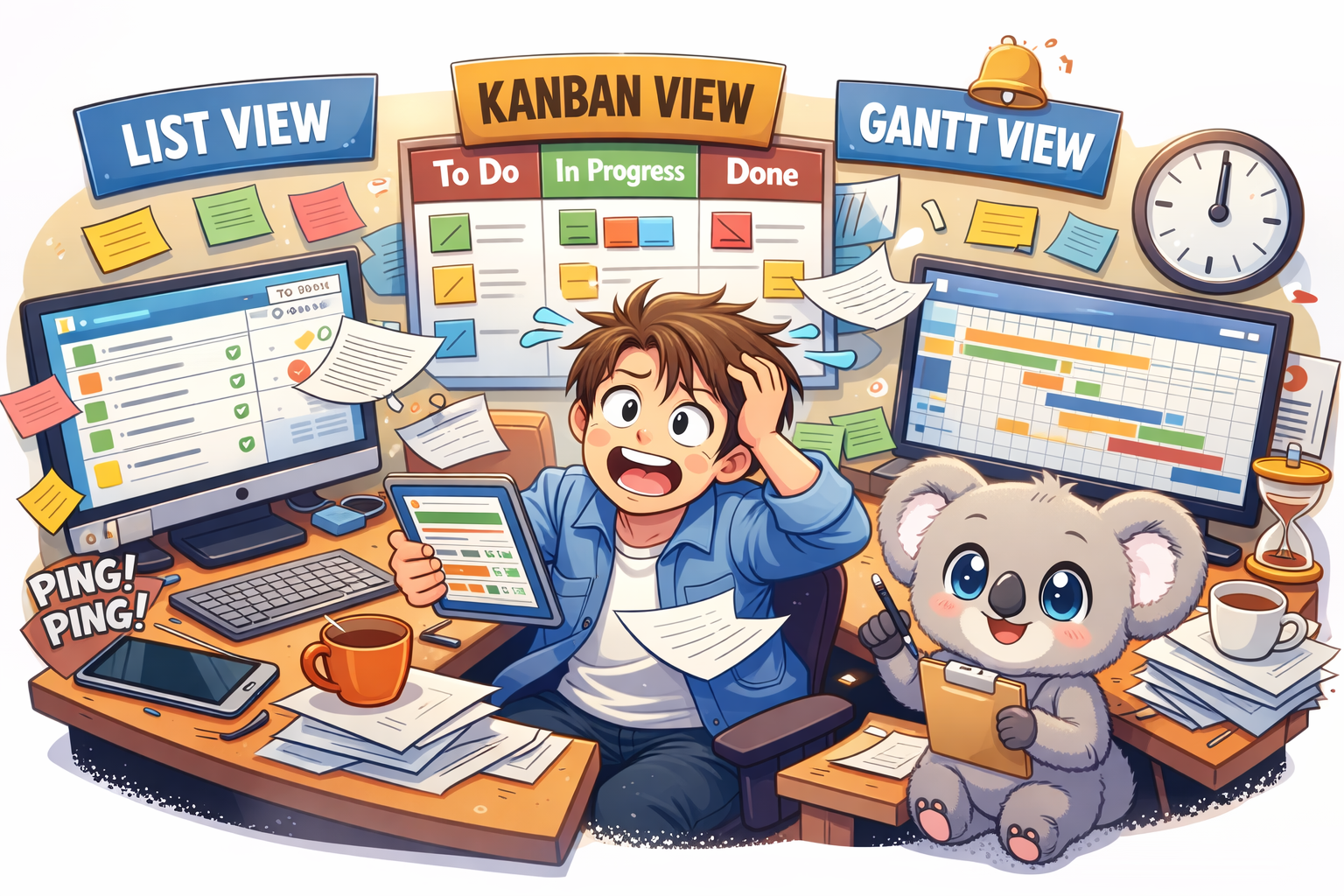
The Context Switch Tax Is Real. And It’s Stealing Your Mornings.
It starts the same way every day.
You open a spreadsheet.
Then a board.
Then a timeline.
Then Slack pings. Again.
You click, scroll, search, squint, re-click, and somehow you’re ten minutes deep… and still not sure what the team is actually doing.
That’s the Context Switch Tax.
Not the fancy productivity kind. The annoying kind. The kind that makes your brain feel like a browser with 37 tabs open and one of them is playing music but you can’t find which one.
Most teams don’t need “more tools.” They need fewer places where work can hide.
And here’s the part that trips people up. Teams don’t switch views because they love variety. They switch because each view answers a different question.
List view tells you what exists.
Kanban tells you what’s moving.
Gantt tells you what’s going to slip.
The problem is most software treats those views like three different worlds. So you end up doing manual copy-paste therapy to keep them aligned.
That’s why Skarya.ai exists. It gives you List, Kanban, and Gantt in one place, all looking at the same live work. No weird syncing. No “wait why is this different here?”
And Kobi is right there with you, doing the boring parts you don’t want to do.
Let’s break it down.
List View in Project Management: The “Get Your Head Straight” View
What It is
List view is the simplest format. Rows. Columns. Owners. Dates. Status.
It’s not glamorous. It’s necessary.
It’s where tasks should land when they first show up. New client request. Bug report. Random “can you do this today?” message from someone who doesn’t understand your calendar.
If your system doesn’t have a strong list layer, everything else turns into noise.
When It Works Best
List view is best for planning and cleanup.
It’s the view you open when you’re trying to answer questions like:
What’s overdue?
What’s unassigned?
What’s been sitting there for two weeks pretending it’s “in progress”?
It’s also where you do the real work of project management: taking messy requests and turning them into something a team can actually execute.
How Kobi Helps
In Skarya’s List view, you can type a rough task title and move on.
Kobi doesn’t.
Kobi fills in the annoying stuff. The description. The acceptance criteria. The “what does done look like” part that everyone forgets until QA screams.
So instead of writing a mini essay for every task, you write the title, and Kobi drafts the rest like a teammate who actually pays attention.
Kanban View in Project Management: The “What’s Stuck?” View
What It is
Kanban is the board. Cards moving through columns like:
To Do
In Progress
Review
Done
It’s the view teams live in day to day because it tells the truth fast.
You can see work moving. Or not moving. Which is usually the real story.
When It Works Best
Kanban is best when flow matters more than deadlines.
If your daily standup sounds like:
“What’s blocked?”
“Who’s waiting on approval?”
“Why is review a graveyard again?”
You need a board.
Kanban is also great for handoffs. Designer finishes, dev starts. Dev finishes, QA starts. QA finishes, launch starts. It makes those transitions visible so work doesn’t rot in someone’s private checklist.
And yes, it also exposes the uncomfortable stuff.
If your Review column has 14 cards and Done has two, you don’t have a productivity problem. You have a bottleneck problem.
How Kobi Helps
Boards get messy when people don’t update context.
Kobi fixes that.
You can ask Kobi something like:
“What’s blocking Review this week?”
And Kobi will look across the cards, pull the patterns, and give you a clean summary you can paste straight into standup notes.
No manual digging. No detective work. No opening every card like you’re searching for clues in a crime scene.
Gantt View in Project Management: The “Stakeholders Want a Screenshot” View
What It Is
Gantt view is the timeline. Tasks stretched across dates. Dependencies connected with lines.
It’s what you use when timing actually matters, and one delay can ruin the rest of the plan.
Stakeholders love Gantt charts because they want a timeline they can screenshot for a slide deck. That’s not an insult. It’s just how reporting works.
When It Works Best
Gantt is best when deadlines and dependencies are load-bearing.
If one task slips and three others tumble behind it, you need to see that domino effect early, not two days before launch.
It’s also the clearest way to answer:
Are we still on track?
Not with vibes. With dates.
How Kobi Helps
Here’s the thing about timelines.
They go stale. Fast.
Someone moves a deadline. Someone forgets to update dependencies. Suddenly your timeline is a lie, and everyone’s making decisions based on the lie.
In Skarya, when a date shifts, Kobi does the annoying maintenance work.
Kobi recalculates downstream dependencies and alerts the people who are affected.
Not in a dramatic way. Just a helpful “heads up, this change impacts you” way. Like the teammate who actually updates the plan instead of saying “yeah I’ll do it later.”
Kanban vs Gantt vs List View: The Quick Comparison
| List View | Kanban View | Gantt View | |
| Complexity | Low | Medium | High |
| Best for | Planning, intake cleanup | Daily execution | Deadlines, dependencies |
| Main Question It Answers | What exists? | What’s moving? | What’s slipping? |
| How It Fails | Turns into a graveyard | Hides timeline risk | Goes stale |
| What Kobi Does | Drafts the task properly | Summarizes blockers | Updates dependencies and alerts people |
So Which View Should Your Team Use?
Don’t pick one.
That’s the trap.
If you only use List view, execution turns into a blur.
If you only use Kanban, deadlines sneak up on you.
If you only use Gantt, the plan becomes a museum exhibit.
Here’s what usually works:
List view to collect and shape work
Kanban to run the day
Gantt to keep the bigger promise
And the real win is when those three views stay synced without you babysitting them.
The Skarya Difference: One Set of Work, Three Ways to See It
Most tools technically offer multiple views.
But they don’t really behave like one system. You update a task in one place and forget to update it somewhere else, and now your team has three versions of reality.
Skarya doesn’t do that.
Everything is one live data layer. You’re not switching tools. You’re switching lenses.
Change a date in Gantt, it updates in List.
Move a card to Done in Kanban, it updates the timeline.
Everything stays aligned because it’s the same work underneath.
And intake isn’t a mess either.
Skarya’s request forms capture the details upfront. No vague Slack messages. No “can you remind me what you meant” follow-ups.
When a form comes in, Kobi turns it into real work. A structured task. The right owner. The right place on the board. A timeline if a deadline exists.
So the work shows up ready to run, not ready to be rewritten.
Want Fewer Tabs and More Shipping?
If your team is still juggling spreadsheets, boards, and timelines across different tools, you’re paying the Context Switch Tax every single day.
Skarya.ai pulls it into one place. List, Kanban, and Gantt. Same work. Different view.
And Kobi handles the annoying bits so you don’t have to.
Join the team at Skarya.ai and feel what it’s like when work stops hiding.
Leave a Reply