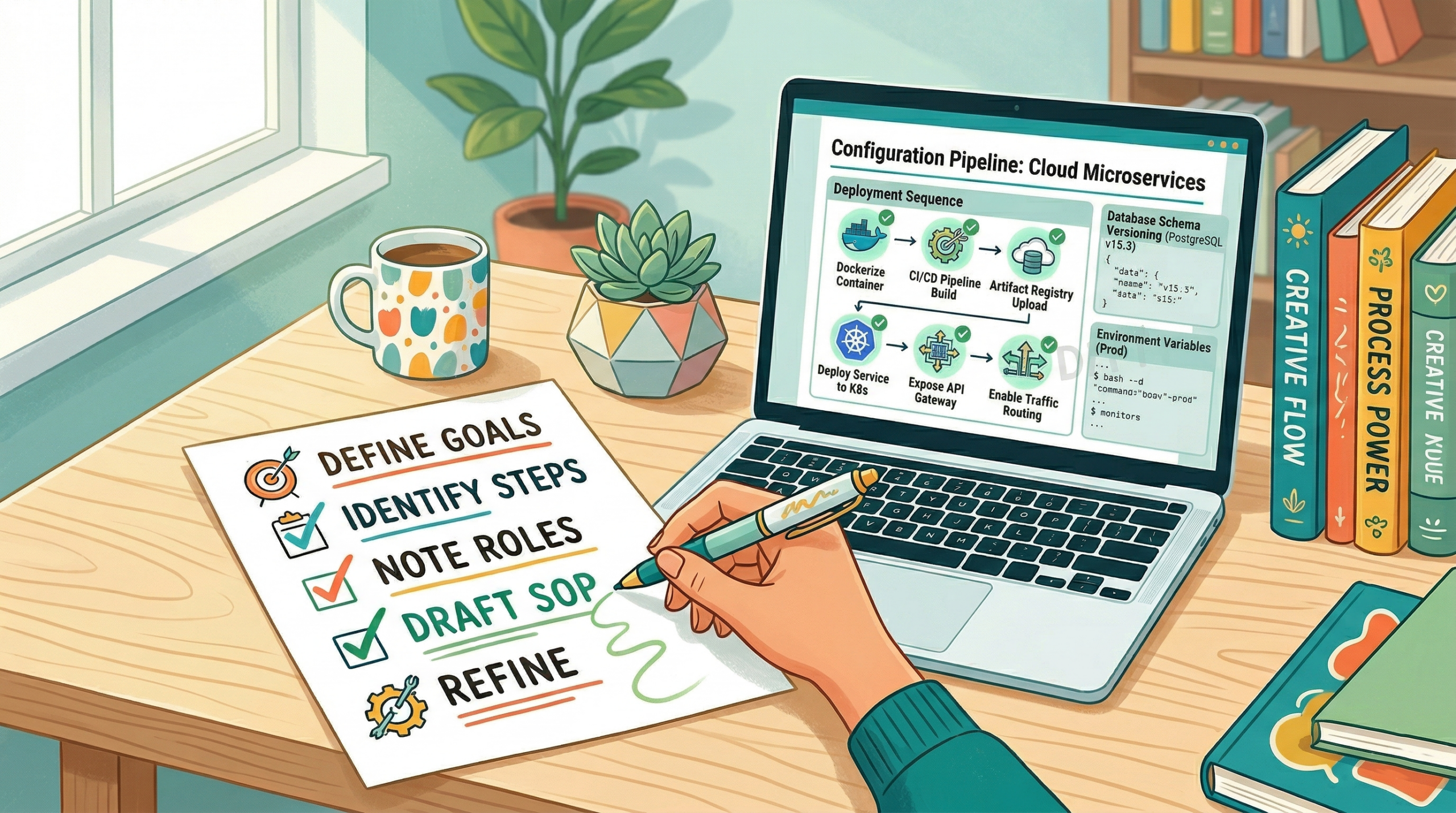
At some point, someone on your team did something exactly right and you have no idea how to make sure the next person does it the same way. Maybe it was a client onboarding that ran smoothly. A project handoff that did not drop anything. A proposal that landed. The process lived in one person’s head, and when they are gone, on leave, or just busy, it does not run the same way twice.
That is the problem SOPs exist to solve. A standard operating procedure takes what your best people do instinctively and makes it repeatable for everyone. Not with extra complexity, but with a written process that is clear enough to follow and specific enough to be useful. This guide covers how to write one from scratch and, more importantly, how to make sure it actually gets used.
What Is an SOP?
A standard operating procedure is a documented set of instructions that explains how to complete a specific task or process, consistently, every time. Think of it as the written version of how your best team member would walk a new hire through something they do every day.
SOPs are not manuals and they are not exhaustive knowledge bases. A good SOP covers one process, clearly, with enough detail that someone unfamiliar with the task can complete it without needing to ask for help.
They exist across every kind of work: client onboarding, invoice approval, content publishing, quality reviews, project kickoffs. Any repeatable process that matters to your business is worth documenting. The threshold is simple. If you have explained the same process more than twice verbally, it is ready to become an SOP.
The Core Elements Every SOP Needs
Before writing a single step, it helps to understand what a well-structured SOP contains. Not every SOP needs every element, but most should include the following:
| Element | What It Covers |
| Title | What the process is, in plain language |
| Owner | Who is responsible for the process and for keeping the SOP current |
| Scope | Where this process applies, and where it does not |
| Tools required | Software, templates, or access needed before starting |
| Prerequisites | What needs to be in place before this process begins |
| Steps | Software, templates, or access are needed before starting |
| Expected outcome | What done looks like when the process is completed correctly |
| Review date | When this SOP was last updated and when it is due for review |
The two most commonly skipped elements are the owner and the review date. Those two omissions are exactly why most SOPs go stale within six months. A document without a named owner is a document that will eventually become inaccurate and stay that way. Giving every SOP an owner and a review date turns documentation from a one-time task into a living system.
How to Write an SOP Step by Step
Start with the process, not the document.
Before you write anything, observe or interview the person who currently does this task best. Watch them do it. Ask them to narrate as they go. The goal is to capture what is actually happening, not what is supposed to happen in theory. There is often a meaningful gap between the two, and your SOP needs to reflect reality.
Give it a specific title.
‘Client onboarding’ is not a useful SOP title. ‘New client onboarding from signed contract to project kickoff’ tells you exactly what is covered and where it starts and ends. Specific titles also make SOPs far easier to find later when your library grows.
Define the scope.
State what this SOP covers and what it does not. If your onboarding SOP covers the first 14 days only, say that. If it does not apply to enterprise clients, note it. Clear boundaries prevent the SOP from being used in situations it was not designed for.
Write the steps in plain language.
Number every step. One action per step. Use direct language: ‘Open the client folder in Google Drive’ rather than ‘Access should be obtained to the client folder.’ Write for someone who is competent but new to this specific process. Avoid jargon unless it is industry-standard and explained the first time it appears.
Add context where decisions are required.
Pure step-by-step instructions work well for linear tasks. But most real processes involve judgment calls. ‘If the client has not responded within 48 hours, send a follow-up using the template in the shared folder’ is far more useful than a step that simply says ‘Wait for client response.’ Anticipating those decision points and spelling out the expected response is what separates a functional SOP from one that gets abandoned the moment things get slightly complicated.
Define what done looks like.
A process without a defined endpoint creates ambiguity. The expected outcome field does one job: it tells the person completing the process how to know they have done it correctly. Without it, done means whatever each person individually decides it means.
Choosing the Right SOP Format
There is no single correct format for an SOP. The best format is the one your team will actually read and use. A few formats tend to work better than others depending on the complexity of the process.
Numbered step format works for most processes. Sequential, clear, and easy to follow. Best for tasks that happen in a fixed order without branching paths.
Hierarchical format adds sub-steps under main steps. Useful when a step itself contains a mini-process. For example, setting up a project in Skarya might expand into sub-steps for naming conventions, assigning owners, and attaching the relevant client and billing model upfront.
Flowchart or decision tree format works well for processes with multiple paths or conditional logic. These are harder to maintain but genuinely useful for complex workflows like escalation paths or approval chains.
Checklist format is the stripped-back version. Less narrative, more ticking. Good for recurring quality checks where the steps are already well understood by the people doing the work.
For most teams starting out, the numbered step format with a brief context section is the right place to begin. You can add complexity once you know what your team actually needs.
Why SOPs Go Stale and How to Prevent It
Writing SOPs is the easy part. Keeping them accurate and getting people to use them is where most teams fall short. Understanding the failure modes makes it much easier to design around them.
They are stored somewhere nobody checks. A Google Doc buried in a folder nobody navigates to, or a link nobody bookmarked. If your SOPs are not embedded in the tools where work actually happens, they exist in theory but not in practice. The fix is straightforward: put the SOP where the work is. A process document for project kickoffs belongs inside your project management tool, linked from the relevant board or template, not in a separate documentation system your team visits twice a year.
There is no named owner. An SOP without an owner is an SOP that will eventually become wrong. Processes change. Tools change. When nobody is accountable for keeping the document current, it drifts from reality and people stop trusting it. Naming an owner per SOP, not just a general ‘ops team’, is the single most effective structural change you can make.
They try to cover everything. An SOP that documents every possible edge case often becomes so long it is never opened. Aim for the 80/20 version first: the steps that cover the most common path through the process. Edge cases can live in a notes section or a separate document. A short SOP that gets used is more valuable than a comprehensive one that does not.
This is a pattern that shaped how Skarya was built. The Docs module sits alongside boards, tasks, and project data in the same workspace. When your process documentation and your actual work live in the same place, SOPs stop being something separate to maintain. They become part of how work gets done, which is the only way they stay relevant.
Managing SOPs as Your Library Grows
Writing your first ten SOPs is a milestone. Managing twenty or fifty is a different challenge. A few principles hold up at scale.
Version control matters. Every SOP should show the last-updated date and the version number. When a process changes, archive the old version rather than deleting it. You may need to know what the process looked like six months ago, particularly for compliance or client-facing work.
Naming conventions prevent chaos. Agree on a consistent naming structure before you have more than ten SOPs. Something like Department, Process Name, Version is clear enough to scale and immediately tells you what you are looking at.
Group SOPs by function. Do not create one giant library. Create clusters: client-facing processes together, internal ops together, finance processes together. People should be able to find what they need in under 30 seconds. If they cannot, the library is organised for the person who built it, not the people who use it.
Set a regular review cycle. A quarterly review of your most-used SOPs works well for most teams. High-frequency or compliance-related processes should be reviewed more often. Stable internal processes can run on a six-month cycle. The point is to make review a scheduled habit rather than something that only happens when a process visibly breaks.
Getting Your Team to Actually Use Them
Adoption is a cultural problem, not a documentation problem. You can write the clearest SOP in the world and still find your team reverting to old habits. Two changes make the biggest difference.
The first is involving the people who do the work in writing the SOPs. A process document written entirely by a manager and handed down to the team will always be viewed with some scepticism. A document co-created with the people who actually do the task gets used because they recognise it as an accurate reflection of real practice, not a theoretical version of how someone thinks the work should happen.
The second is referencing SOPs in context rather than pointing people to a library. In a task comment, in a meeting action item, in a project template. When people encounter SOPs as part of the workflow rather than as an extra step outside of it, the friction drops significantly. Documentation that lives next to the work gets used. Documentation that lives in a folder does not.
Frequently Asked Questions
What is the difference between an SOP and a work instruction?
An SOP defines what process to follow and why it exists. A work instruction goes deeper, providing detailed technical steps for a specific task within that process. Think of an SOP as the overview, and a work instruction as the manual for one specific part of it. Many small teams do not need the distinction and use the term SOP to cover both.
How long should an SOP be?
Long enough to cover the process completely, short enough that someone will actually read it. For most repeatable business processes, that is one to three pages. If your SOP runs beyond five pages, consider whether you are documenting one process or several, and split accordingly.
How often should SOPs be reviewed?
A quarterly review cycle works well for most teams. High-frequency processes or anything connected to compliance, client work, or financial handling should be reviewed at least every three months. Stable internal processes can often run on a six-month review cycle without issues.
Who should own SOPs in a small team?
Ownership should sit with the person closest to the process, not necessarily the most senior person. A team lead or operations manager often makes sense as an overall curator, but individual SOPs should have named process owners who are accountable for accuracy.
Can I use a template to write SOPs?
Yes, and you should. A consistent template reduces the effort of creating each new SOP and makes your library easier to navigate. The most useful templates include a title block, scope statement, prerequisites, numbered steps, expected outcome, and a review date field. Build one good template and reuse it across every process you document.