A service team lead told me something recently that I haven’t forgotten:
“We’re not bad at the work. We’re bad at finding where the work went.”
She wasn’t questioning her team’s talent or effort.
She was describing the hidden hour that disappears every morning rebuilding context:
Which doc has the brief? Which task reflects the latest decision? Where did the approval land? Which version is the real one?
The work is there.
It’s just everywhere.
And that’s the problem most service teams are actually wrestling with, whether they label it that way or not.
The gap isn’t effort. It’s connection.
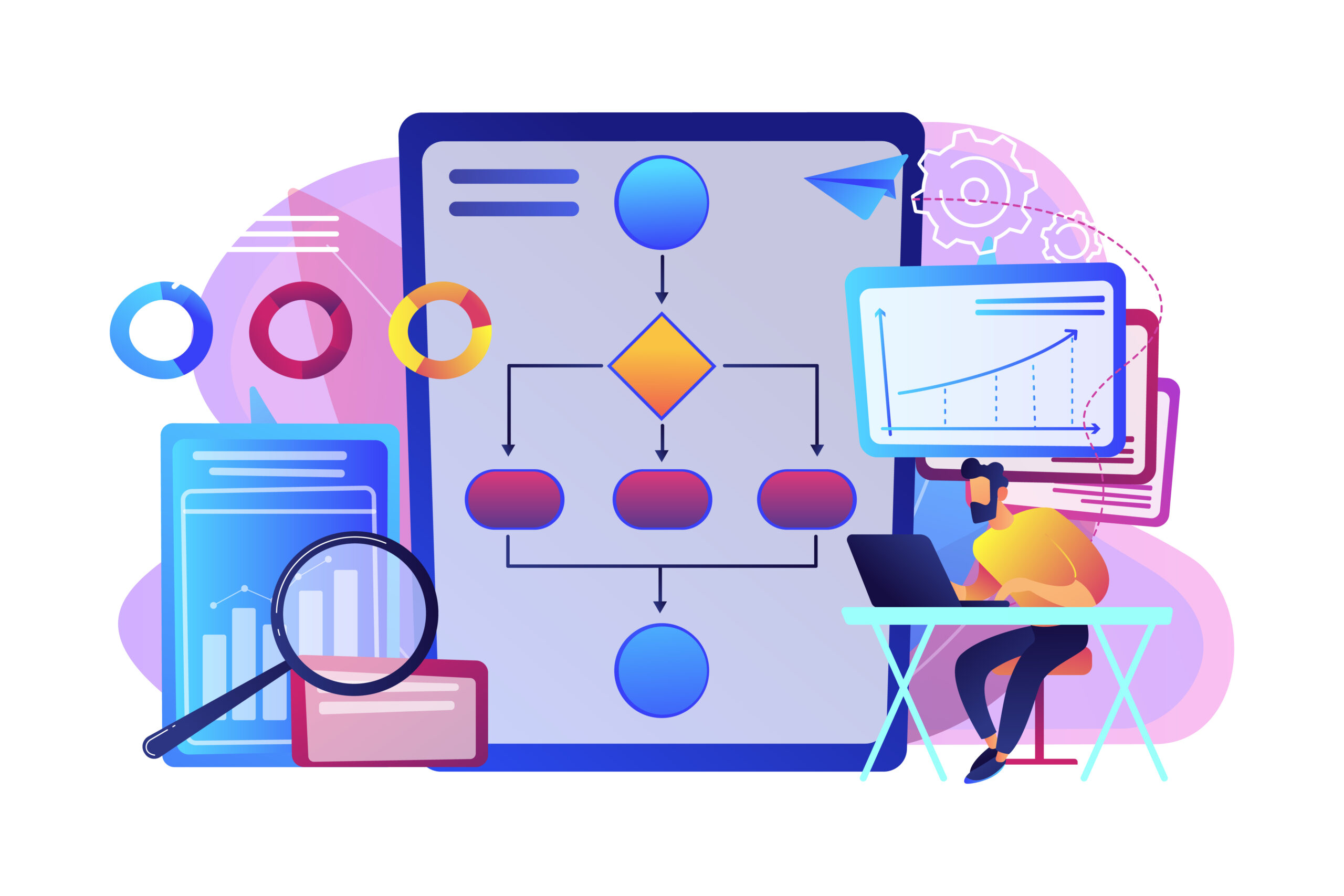
Service delivery isn’t a straight line. It’s a loop:
Request → clarify → execute → review → revise → approve → deliver
…and then it starts again.
That loop creates predictable failure points when work is spread across disconnected tools.
1) Context separates from execution
The brief lives in a doc. The tasks live on a board. The decision lives in chat.
Every handoff across that gap adds friction—and invites mistakes. People waste time re-checking, re-explaining, and redoing.
2) Approvals turn into invisible roadblocks
Work looks “done” internally, but it isn’t deliverable because it’s waiting on someone.
And that person often doesn’t even know they’re the blocker.
When workflow states aren’t clear, delays don’t look like delays—until it’s too late.
3) Lack of visibility creates meetings
If the only way to know what’s happening is to ask people, you get status rituals.
Leaders either guess from incomplete information or get dragged into details. Neither improves delivery. Both slow it down.
4) Time tracking becomes unreliable
When time tracking lives outside the work, it becomes an afterthought.
Inconsistent time data isn’t just annoying, it’s useless for forecasting, resourcing, and profitability.
Most teams try to solve these problems by adding more tools.
That usually makes the gaps worse.
A better approach: rebuild the workflow, not the stack
The solution isn’t “one more tool.”
It’s a structure where the parts of delivery stay connected:
the plan, the tasks, the docs, the approvals, and the visibility.
Here’s a simple way to build that structure without overwhelming your team.
The 5-week plan (adoption through relief, not pressure)
Week 1 — Pick one workflow that repeats
Don’t migrate everything.
Choose one delivery loop you run every week:
client onboarding, content delivery, QA review, weekly reporting—whatever repeats.
One workflow. Nothing else.
Week 2 — Define stages and ownership
Keep it simple and visible:
To Do → In Progress → Review → Approval → Delivered
Five stages is enough. The goal is to make work “legible”—so blockers surface early, not at the deadline.
Week 3 — Attach the documents that power the work
Bring the brief, SOP, checklist, or requirements into the same workspace as the tasks.
This is the step most teams skip—and it’s the step that changes handoffs.
When context lives next to execution, people stop reconstructing and start moving.
Week 4 — Automate one rule
Remove one obvious coordination bottleneck.
Examples:
- When a task moves to Approval, notify the approver
- When it’s approved, assign the next owner
- If something sits in Review for 48 hours, send a reminder
One rule. Run it for a week. Notice what improves.
Week 5 — Add time tracking
Once the workflow is stable and trusted, time tracking becomes natural, not forced.
Log time against tasks and projects. Keep it lightweight. Make it weekly.
Now the data becomes usable.
What a connected system looks like
Once the workflow is working, the platform you use starts to matter not because of features, but because of what those features enable.
Connected views (without duplicating work)
Different roles need different views of the same reality:
- A board for flow
- A list for ownership and precision
- A timeline for planning
- A dashboard for risk and workload
A strong system doesn’t force one view. It keeps every view tied to the same underlying work.
Documentation that behaves like part of delivery
Plans linked to projects. SOPs attached to recurring work. Decisions documented where execution happens.
Action items should become tasks without retyping.
When docs and tasks are connected, handoffs stop breaking.
Automation that handles coordination (not judgment)
The best automation isn’t flashy it’s quiet:
- Assign the next owner when status changes
- Remind when items stall
- Generate recurring work on schedule
- Trigger notifications when approvals are needed
The difference between a team that tracks work and a team that runs work is often one or two well-placed rules.
Client collaboration that reduces back-and-forth
Clients should be able to:
- See progress without chasing updates
- Give feedback where it belongs
- Approve deliverables without email chains
This protects delivery speed as much as any internal improvement.
Time tracking that’s built in
The best time tracking is the kind people actually do because it’s part of the workflow, not an extra chore.
The metric that matters: operational visibility
Most status meetings are a workaround for missing visibility.
When the system is working, you can answer these questions in seconds without asking anyone:
- What’s blocked right now?
- What’s at risk this week?
- Who’s overloaded?
- Which deliverables are waiting on approval?
- What’s actually moving?
When leaders can see clearly, they stop guessing.
When teams don’t have to constantly explain progress, they stop context-switching to do it.
That’s not a “feature.”
That’s what connected work is supposed to feel like.
A quieter way to build a better system
If your team is tired of stitching tools together, the next step isn’t more software.
It’s fewer gaps.
Skarya.ai is built around this connected workflow model projects, docs, workflows, collaboration, and time are designed to stay linked by default.
If this way of working resonates, it may be worth exploring what connected delivery looks like in one workspace.
Leave a Reply