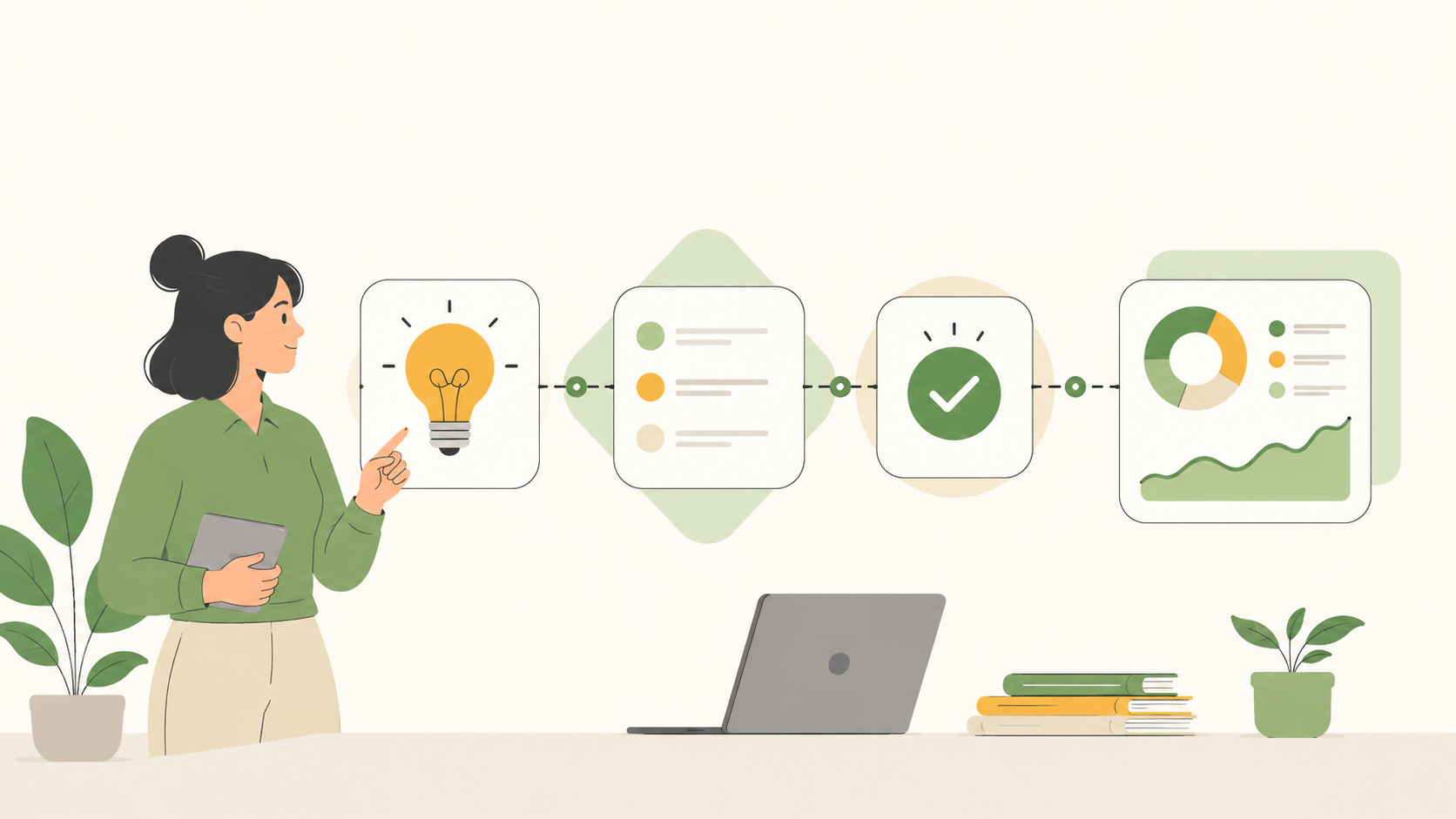
A workflow is a defined sequence of steps that moves a piece of work from start to completion. It specifies what happens, in what order, and who is responsible at each stage.
KEY TAKEAWAYS
• A workflow is a repeatable, structured sequence of steps with a clear trigger, defined actions, and an expected output.
• The three core components are: input (what starts the work), process (the steps), and output (the result).
• There are five main workflow types: sequential, parallel, state machine, rules-driven, and ad hoc.
• Ownership is what separates a functioning workflow from a list of intentions. Someone must own each step.
• Workflows reduce guesswork, accelerate onboarding, and make delivery consistent without micromanagement.
Work without structure is just activity
A piece of work lands in your team. Someone picks it up, does something, and passes it on. Or does not pass it on. Or passes it to the wrong person. Or completes a step that someone else already did.
That is what happens without a workflow: work moves on instinct rather than a system. Things get done, eventually, but the path is different every time. And every time it is different, there is a chance something gets missed.
A workflow solves exactly this. It is not a complicated thing. It is a documented, agreed-upon sequence: this is what starts the work, these are the steps, this is how you know it is done. Once it is set, the team stops reinventing the path for every task and starts following it.
The rest of this guide covers what workflows are, how they are built, and what types exist. If you are setting up your first team workflow or trying to make sense of one that exists already, this is the right starting point.
The five types of workflows
Not all workflows move the same way. The structure you need depends on whether your steps are linear, whether multiple things can happen at once, and how much the path changes based on conditions.
| Type | How it works | Best for |
| Sequential | Steps happen one after another in a fixed order. Step 2 cannot begin until Step 1 is complete. | Client onboarding, content publishing, invoice approval |
| Parallel | Multiple steps happen simultaneously. Different people or teams work on separate tracks at the same time. | Product launches, campaign delivery, cross-team projects |
| State machine | The workflow moves based on the current state of the work item. Each status change triggers the next step. | Support ticket resolution, sales pipeline, client lifecycle management |
| Rules-driven | The path taken depends on conditions. If X, go to Step A. If Y, go to Step B. | Contract review, procurement approvals, employee offboarding |
| Ad hoc | There is no fixed path. Steps are decided as the work progresses, based on circumstances. | Creative briefs, R&D, exploratory strategy work |
Tip: Service businesses tend to run a mix of sequential and state machine workflows. A client delivery process is largely sequential (brief to execution to sign-off). A sales pipeline is state machine (each deal moves based on its current stage, not a fixed clock).
If you have already settled on Kanban as your operating structure, it is worth reading about how a Kaan workflow maps to each of these types in practice.
The three components every workflow shares
Regardless of type or complexity, every workflow is made up of the same three things:
- Input: The trigger that starts the work. This could be a client submitting a brief, a form being filled out, a task being created, a deadline arriving, or an approval being requested.
- Process: The ordered steps that transform the input. Each step has an owner, an action, and a way to confirm it is complete before the next one begins.
- Output: The result the workflow is designed to produce. A delivered asset. An approved invoice. A resolved ticket. A signed-off project. A converted lead.
A practical example: a client sends a design brief (input). The team reviews it, creates concepts, presents for feedback, and revises (process). The client signs off on final artwork (output). That is a workflow, even if it has never been written down.
Writing it down is the part that makes it repeatable.
What is the difference between a workflow and a process?
A process describes how something works at a high level. A workflow is the operational implementation of that process: the specific steps, owners, tools, and checkpoints. A process says “we review all client work before delivery.” A workflow says “the account manager reviews the draft in Docs, marks it approved in the task, and the designer moves it to Delivered status.” Processes define intent. Workflows define execution.
What separates a working workflow from a documented one
A workflow written on a whiteboard and then ignored is not a workflow. It is a whiteboard. For a workflow to actually function, three things need to be true.
- Every step has a named owner. Not a team. Not a role. A person. When two people are both responsible for a step, neither feels solely accountable and things slip through.
- Status reflects reality. A task marked “In Progress” when it is actually stuck waiting for a client response is invisible risk. Status labels need to match the actual stages of your work, not generic defaults.
- The handoff is explicit. When a step is done, the next owner needs to know. Whether that is a status change, a comment, or an automated notification, the handoff cannot rely on someone thinking to mention it.
The opinion worth stating clearly: ownership is the single biggest factor. Two teams can have identical workflow documentation and completely different results. The one with clear, named owners at each step will outperform the one with shared responsibilities every time.
In Skarya: Before a workflow becomes a board, it is useful to sketch it out on Canvas, the built-in visual whiteboard. Map the steps, draw the handoffs, and agree on what done means at each stage. Once that thinking is done, build the workflow as a board. Configure the status columns to match your actual stages (not just “To Do / In Progress / Done”). Every status change on a task then reflects a real step in the workflow, not just activity.
How to build a workflow from scratch
A workflow does not need to be complex to be effective. The most valuable ones are often the simplest: six to eight steps, clear owners, a defined output. Here is how to build one.
Step 1: Pick one repeatable process. Choose something your team does regularly: client onboarding, content production, bug triage, invoice submission. The higher the frequency, the greater the return on documenting it.
Step 2: Map it as it actually happens. Not how it should happen. How it happens right now, including the informal steps, the workarounds, and the places where work stalls. Accuracy here prevents the workflow from being aspirational fiction.
Step 3: Identify the input, the steps, and the output. What starts it? What are the discrete actions? What does completion look like? Write each one out explicitly.
Step 4: Assign an owner to every step. A named person, not a team. If the step involves a review by multiple people, nominate one as the decision-maker.
Step 5: Configure statuses that reflect your stages. Each status should represent a real point in the work. “Client Review” means something. “In Progress” could mean anything. The more specific your statuses, the more useful your workflow visibility.
Step 6: Test it on one live job, then refine. Do not try to perfect the workflow before using it. Run one real piece of work through it, identify where it broke down, and update it. Iteration is faster than upfront perfection.
In Skarya: Boards are structured around exactly this flow. Each board has configurable status columns that you name to match your workflow stages. The Kanban view gives you a visual read of where every piece of work sits across the whole workflow. If you want to build the structure quickly, Kobi, the built-in AI assistant, can take a plain-language description of your workflow and draft an initial task and status structure as a starting point.
How many steps should a workflow have?
There is no fixed number, but a useful benchmark is between five and nine steps. Below five, the workflow probably lacks enough specificity to guide behaviour. Above nine, the cognitive load becomes high enough that people start skipping steps or working around the process. If your workflow exceeds nine steps, consider whether any of them can be grouped into a sub-workflow with its own owner.
What clear workflows actually give you
The value of a workflow is not philosophical. It shows up in specific, operational outcomes.
- Consistency without supervision. When a workflow exists and is followed, the result of a task is not dependent on who runs it. A junior team member and a senior one following the same workflow produce comparable outputs. Quality comes from the system, not just the individual.
- Faster onboarding. New team members can read a workflow and understand how work moves. They do not need to shadow someone for a week to learn the informal path. Documented workflows reduce the time from hire to contributing.
- Cleaner handoffs. The biggest source of dropped tasks in service businesses is not laziness. It is ambiguity about when a handoff occurs and who receives it. A workflow with explicit handoff triggers removes the ambiguity.
- Visible bottlenecks. When work has stages and statuses, you can see where it piles up. Five tasks in “Client Review” for two weeks is visible. Five tasks stuck in someone’s head is not.
- Predictable capacity. Repeatable workflows produce predictable time data. When you know how long each stage typically takes, you can estimate capacity, plan delivery, and avoid promising what the team cannot deliver.
The short version
A workflow is a repeatable path through work. Input, defined steps, clear owners, explicit handoffs, a named output. That is the whole concept.
The reason it matters is simple: work that follows a consistent path produces consistent results. Work that follows a different path every time produces variable ones, and variable delivery is expensive to fix after the fact.
Start with one process. Map it accurately. Assign owners. Test it on one real job. That is a workflow. The sophistication can come later.
Frequently asked questions
What is a workflow in simple terms?
A workflow is a documented, repeatable sequence of steps that moves a piece of work from a starting trigger to a defined result. It tells a team what to do, in what order, and who is responsible at each point.
What is the difference between a workflow and a project?
A project is a one-time effort with a defined scope and end date. A workflow is a repeatable process that recurs across multiple jobs or requests. Projects often contain workflows inside them, but the workflow itself is not bound to a single project.
What are some examples of workflows in a service business?
Client onboarding is a workflow. So is content production (brief, draft, review, publish), invoice approval (submitted, reviewed, approved, sent), and support ticket resolution (received, triaged, in progress, resolved, closed). Any repeatable delivery process is a candidate for a workflow.
What is workflow management?
Workflow management is the practice of designing, tracking, and improving the workflows a business runs on. It includes setting up the steps and owners, monitoring where work is across those steps at any given time, and identifying where the workflow breaks down so it can be improved.