Most teams don’t have a meeting problem.
They have a clarity problem and meetings are what they reach for when clarity is missing.
If you’ve ever sat through a 45-minute status call that could have been a two-line update, you know exactly what this costs. Not just the time on the calendar. The broken focus, the interrupted deep work, the three follow-up Slack messages that happen after the meeting because nothing was actually decided.
This is the quiet drain behind low output and high frustration. And it almost always starts with one mistake: treating meetings and async updates like they’re interchangeable.
They’re not. For ops leads and team managers, knowing which to use and when is the line between a team that moves fast and a team that just feels busy.
The “Default to Meeting” Trap: Why Visibility Isn’t the Same as Progress
When teams default to meetings for everything, three predictable things happen:
- Focus time disappears: Deep work gets carved into 30-minute windows between calls. Nothing substantial gets finished.
- The meeting becomes the work: People prepare for the meeting instead of doing the actual job. Updates are performed, not shared.
- Decisions don’t stick: Without a written record, what was “decided” in the room becomes three different things by Thursday.
The fix isn’t fewer meetings for the sake of it. The fix is using the right communication mode for the right situation.
Meetings vs. Async: The Fire Alarm vs. The Bulletin Board
Here’s the clearest way to think about the difference without starting a passive-aggressive calendar war.
Meeting = The Fire Alarm (Real-Time Response)
A meeting is a synchronous tool for situations that genuinely require immediate, collaborative thinking.
- It works when: The problem is ambiguous, emotionally charged, or requires rapid back-and-forth to resolve.
- It answers: What do we do right now, together?
Async Update = The Bulletin Board (Documented Progress)
An async update is a structured, time-independent communication that keeps work visible without demanding everyone’s attention at once.
- It works when: The information is factual, the decision is already made, or the recipient needs context, not a conversation.
- It answers: Here’s where things stand. No response needed unless something’s wrong.
The Bottom Line: A fire alarm makes sense when there’s a fire. If you’re pulling it to share the weekly sales numbers, you’re training people to ignore it.
Comparison Table: Real-Time vs. Documented
| Category | Meeting (Synchronous) | Async Update (Documented) |
|---|---|---|
| Best For | Ambiguity, conflict, ideation | Status, decisions, FYIs |
| Format | Live call, video, in-person | Written update, recorded loom, task comment |
| Answers | “What do we decide together?” | “What happened and what’s next?” |
| Success Metric | Decision quality | Clarity & time saved |
| In Skarya.ai | Tagged discussion threads | Task updates & status routing |
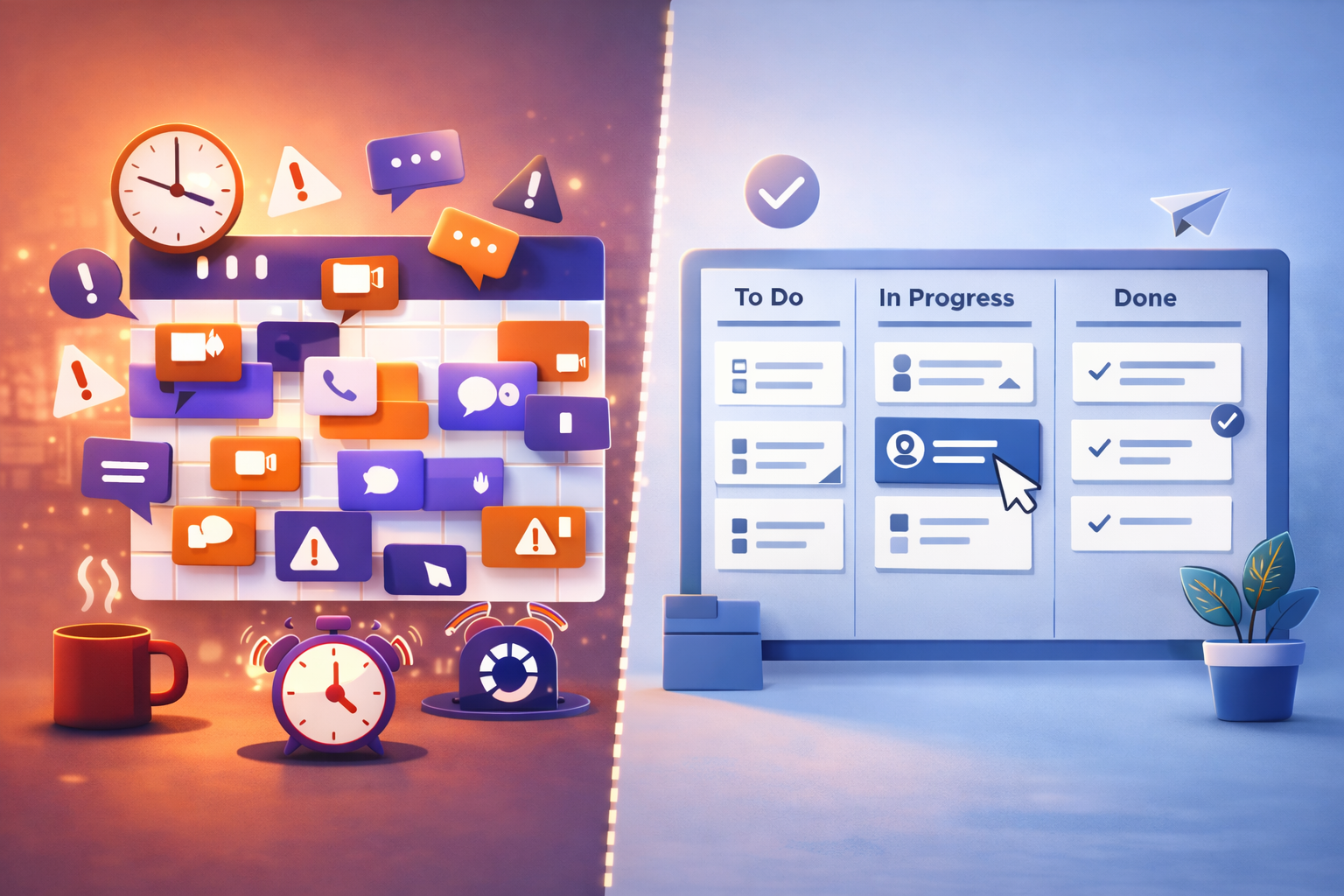
The Before/After: Calendar Chaos vs. A System That Runs
Before: The Meeting-Heavy “Workflow”
Monday kicks off with a 9am all-hands. Tuesday has three syncs back to back. By Wednesday, everyone is behind on actual work and scheduling a Thursday meeting to talk about why. Updates live in someone’s memory. Decisions get re-litigated because no one wrote them down. The person who missed the call asks for a recap, which takes another 20 minutes.
Every meeting without a clear outcome is a tax on the next one.
After: A Skarya System That Defaults to Async
A project update gets posted directly to the task in Skarya. The relevant stakeholders are notified automatically. Status is visible on the board without anyone asking. If a blocker is flagged, it routes to the right person with context already attached. Meetings happen when a decision genuinely needs a room, not because it’s Tuesday.
This is the shift: Communication becomes documented, searchable, and attached to the work, not floating in someone’s calendar history.
3 Mistakes That Keep Teams Stuck in Meeting Culture
1. Using Meetings as a Comfort Blanket
When teams lack a reliable system for tracking work, meetings become the only way to feel informed. The meeting isn’t the problem, the missing system is.
The Fix: Build a visible work system first. When everyone can see status in real-time, the “quick sync” becomes unnecessary.
2. Async Without Structure
Async fails when updates are vague, inconsistent, or buried in Slack threads no one can find later. “Just send a message” is not an async strategy.
The Fix: Standardize what an update looks like: owner, status, blockers, next step. Templates remove the thinking so people actually use them.
3. No Record of Decisions
Meetings make decisions. Async updates document them. When neither is written down, the decision doesn’t exist, it just gets made again next week.
The Fix: Every meeting that produces a decision should produce a written record attached to the relevant task. Not in a separate doc. Not in Slack. On the work itself.
Solution: Build a Communication System with Skarya.ai
Skarya was built for the moment teams realize their communication is everywhere and their work is nowhere.
- Attach updates to tasks, not channels: Every status change, comment, and decision lives on the task it belongs to. Context doesn’t get lost between tools.
- Standardize updates with Smart Forms: Ensure every status update arrives with the right fields, owner, progress, blockers, next step, automatically.
- Make status visible without asking: Skarya boards show real-time progress. No one needs to call a meeting to find out where things stand.
- Flag blockers automatically: If a task hits a blockers stage, Skarya routes the alert to the right person with full context already attached.
A Fast Reality Check
Ask these five questions:
- Could this meeting have been a written update?
- Do decisions made in meetings get documented anywhere?
- Can your team see project status without asking someone?
- Do async updates in your team have a consistent format?
- Is your calendar a reflection of your priorities or your gaps?
If you answered “no” more than once, you don’t need another meeting to talk about it. You need a system that makes the meeting optional.
Stop defaulting to the calendar. Start free on Skarya.ai and build a communication system your team can actually trust.
Leave a Reply